How to Upgrade Your Plan
You can move up to a higher portal plan, increase your API tier, or add extra seats at any time. Here’s how to do each.
Open the Plan Screen
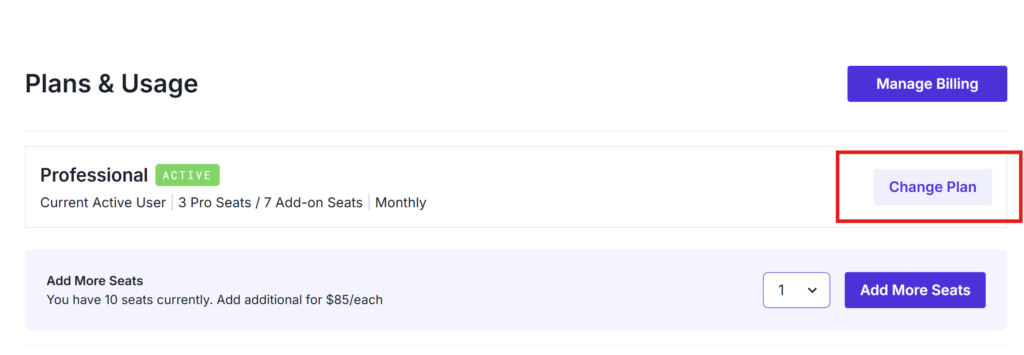
From the home page, click Manage Plan to reach the Plans & Usage page. Your current plan, seat count, and billing cycle are shown at the top.

Upgrade Your Portal Plan
Click Change Plan next to your current plan.
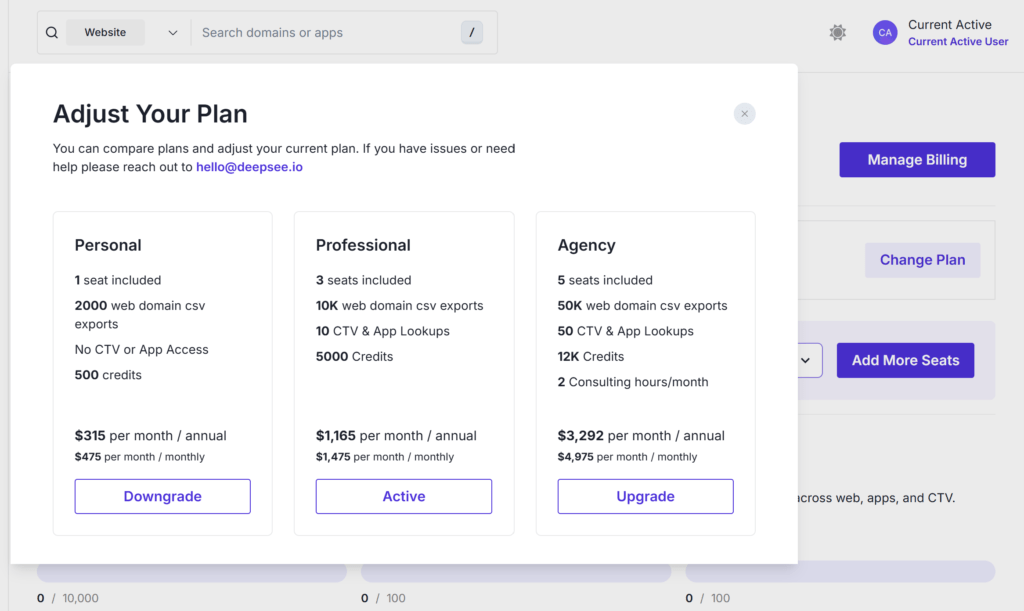
The Adjust Your Plan window opens, where you can compare the Personal, Professional, and Agency tiers side by side. Each card shows its seats, export limits, lookups, credits, and pricing. Click Upgrade on the plan you want.
Upgrade Your API Tier
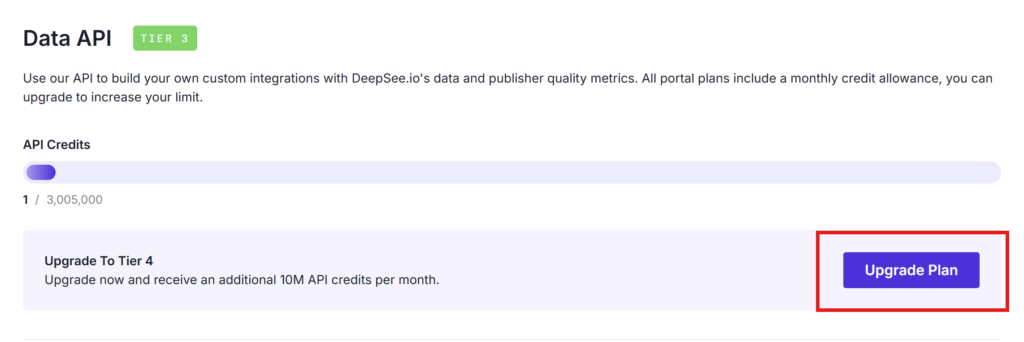
If you use the Data API, scroll to the Data API section. Click Upgrade Plan to move to the next tier and increase your monthly API credit allowance.
Want to switch billing cycles while you’re here? See How to Switch from Monthly to Annual Billing. Questions about which plan fits your needs? Reach out to [email protected].