How to Update Billing Info
Keep the name, email, address, and phone number on your invoices accurate. Here’s how to update them.
Open the Billing Portal
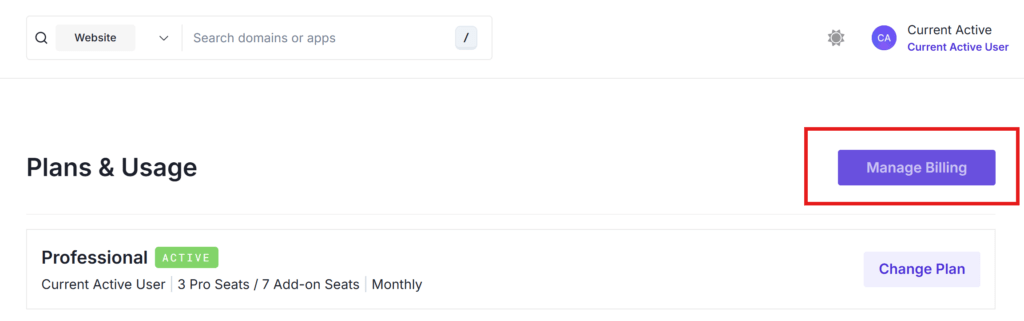
From the home page, click Manage Plan.

Then click Manage Billing on the Plans & Usage page.
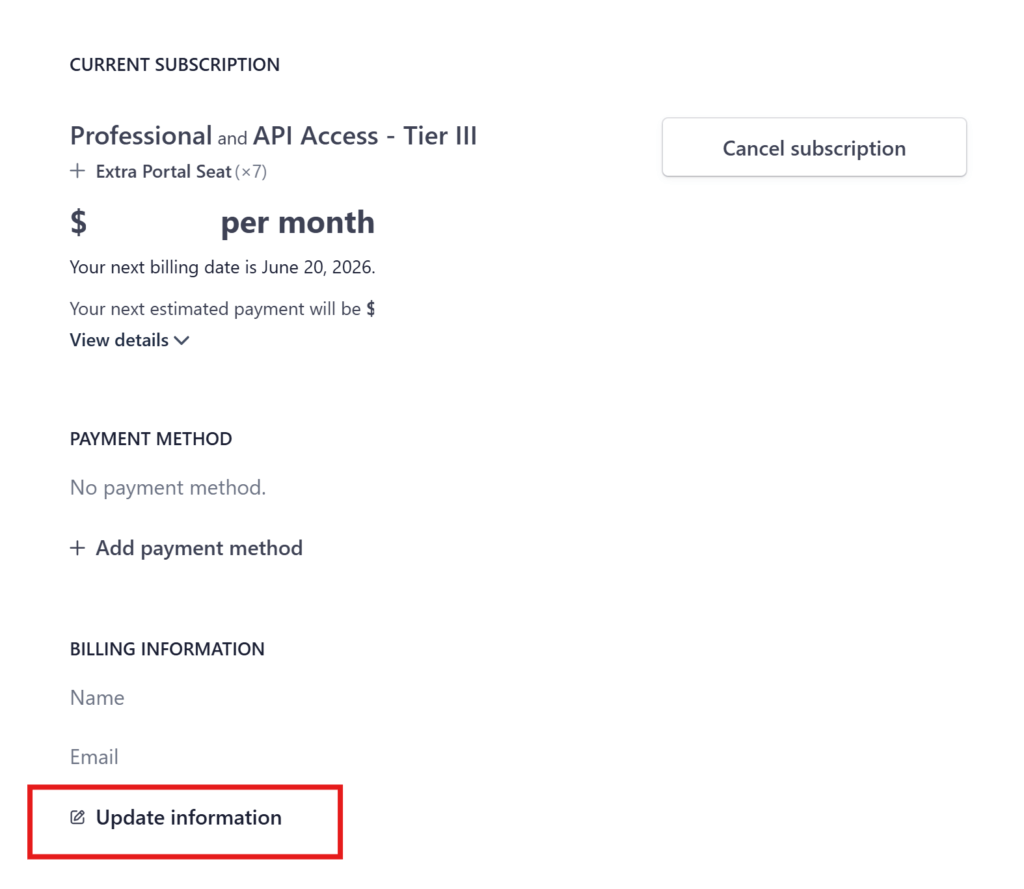
Click Update Information
Scroll to the Billing Information section and click Update information.
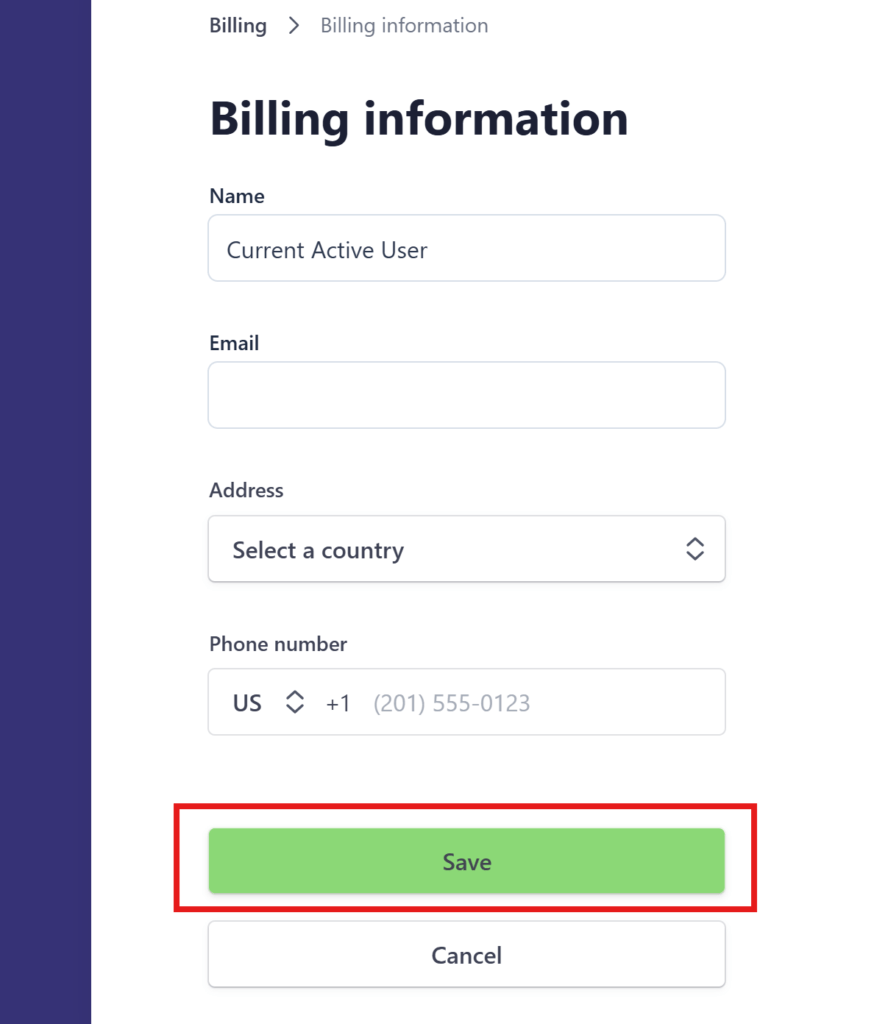
Edit and Save Your Details
Update any of the following fields:
- Name
- Address
- Phone number
When you’re done, click Save to apply your changes.
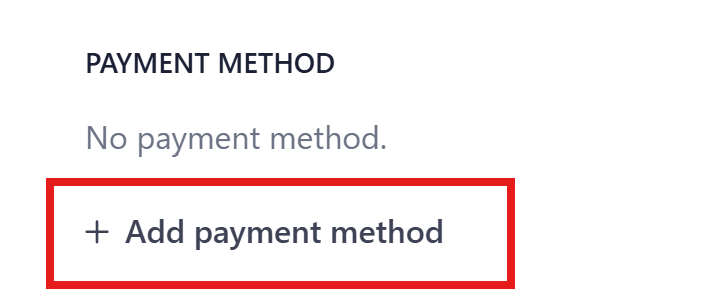
Update Payment Method
To add or change a card on file, use Add payment method on the main billing screen.
For anything else, contact [email protected].